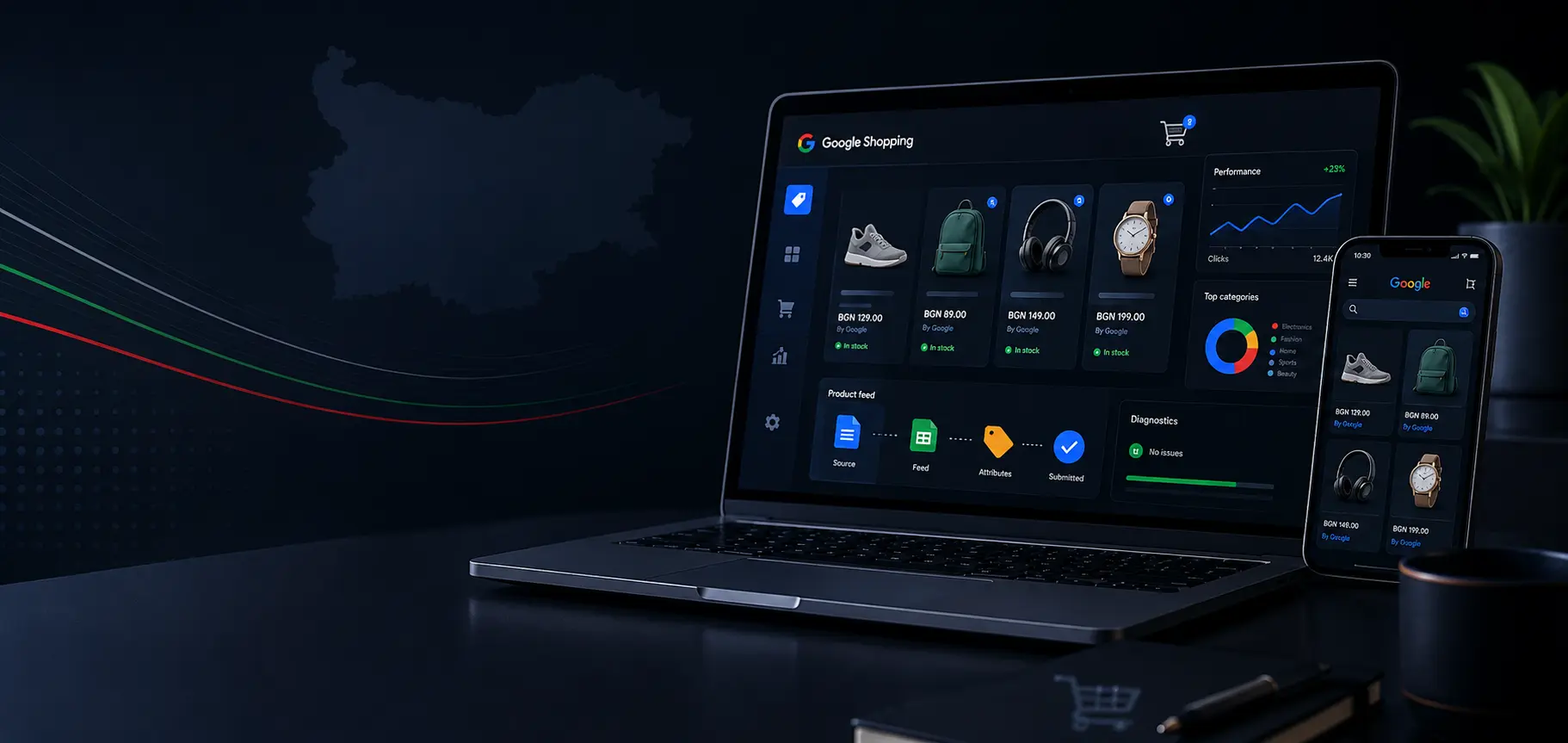
Google Shopping will change how products appear in search results. Users will see an image, price, merchant and other important information before visiting the online store.
Preparation does not begin with the advertising campaign. It begins with the product data, the technical condition of the website and reliable synchronisation between the store and Google Merchant Center.
An online store with incomplete descriptions, incorrect stock information or unclear delivery terms will face issues during the product review process. Work on the catalogue should begin before the official launch of the service in Bulgaria.
When Will Google Shopping Launch in Bulgaria?
As of July 2026, Google has not announced an official launch date for Google Shopping in Bulgaria. The country is still absent from the public list of supported target markets in Google Merchant Center. Bulgarian is also absent from the supported product data languages.
Publications from the Bulgarian technology sector point to autumn 2026 as the expected launch period. Some sources also refer to initial support for product data in English. Google has not officially confirmed these dates or conditions.
Do not plan your advertising budget around a specific month. Treat autumn as a working scenario and focus on tasks which benefit the store regardless of the final launch date.
What Is Google Shopping?
Google Shopping presents products in a visual format. A product listing usually includes:
-
Product image
-
Title
-
Price
-
Merchant name
-
Availability
-
Delivery information
-
Sale price, where applicable
-
Rating or reviews, when available and approved
With standard text advertising, the advertiser selects search queries and writes advertising messages. With Shopping formats, Google reviews the information in the product catalogue and matches it with the user’s search.
The product feed is not a minor technical detail. It is the main source Google uses to understand what You sell, the price and the relevant purchase conditions. Inaccurate or missing data leads to limited visibility, disapproved items or incorrect product presentation.
How the Connection Between the Store and Google Works
The system consists of three main parts.
-
The online store contains the product pages, prices, stock information, images and checkout process.
-
Google Merchant Center receives and reviews the product data.
-
Google Ads manages paid campaigns and the advertising budget.
Information moves from the store to Merchant Center through a feed, a connected platform or an application programming interface. Once approved, products become eligible for the available paid and free formats in the relevant market.
Performance Max uses Merchant Center data and distributes ads across several Google channels, including Search, YouTube, Display, Discover, Gmail and Maps. Performance Max is therefore broader than a Shopping campaign.
Start by Reviewing the Online Store
Merchant Center does not review only the feed. Google also checks the website linked from the product listings.
The store must clearly show who operates it, how customers place orders, how they pay, how much delivery costs and under which conditions products are returned.
Review the following elements:
-
Valid SSL certificate and HTTPS connection
-
Working domain without redirection to another store
-
Clear merchant name
-
Contact telephone number and email address
-
Company or physical address, where applicable
-
Delivery policy
-
Returns and refunds policy
-
Payment methods
-
Terms and conditions
-
Privacy policy
-
At least one standard payment method within a secure checkout process
-
Products available for direct purchase through the website
Google requires contact information and return conditions to be easy to find. The store must offer a genuine purchasing process instead of redirecting the customer to an unrelated website or a form without a clearly displayed price.
Prepare the Product Pages
Every product page must present a specific item without ambiguity.
The visitor should see:
-
Accurate product name
-
Clear description
-
Main product image
-
Price and currency
-
Current availability
-
Selected variation
-
Add to basket button
-
Delivery conditions or easy access to them
When selling a T-shirt in five sizes, the price and availability in the feed must correspond to the specific size opened by the link. Do not submit size M as available when the product page opens with an out-of-stock size L.
The same rule applies to colour, material, package size and other variations. Google supports ProductGroup and Product structured data, which connect the different variations with the main product.
Review the Entire Checkout Process
An approved product page is insufficient when the customer cannot complete the purchase.
Place a test order from a mobile phone and a desktop computer. Complete every step up to the final confirmation screen.
Check:
-
Whether the basket works
-
Whether the selected variation remains selected
-
Whether the final price is visible
-
Whether the delivery price appears before payment
-
Whether the payment methods work
-
Whether mandatory registration makes ordering difficult
-
Whether the website returns an error when selecting a town, city or courier
-
Whether the customer receives an order confirmation
The delivery costs in Merchant Center must match the amounts shown to the customer during checkout. Differences between the submitted information and the actual purchasing process create a risk for product approval and visibility.
Build a Reliable Product Feed
A product feed is a structured collection of catalogue data. It contains one record for every product or variation.
The main fields include:
-
id: permanent product identifier
-
title: product title
-
description: product description
-
link: product page address
-
image_link: main image address
-
price: price and currency
-
availability: stock status
-
condition: item condition
-
brand: brand name
-
gtin: global trade item number
-
mpn: manufacturer part number
-
google_product_category: category from Google’s taxonomy
-
product_type: category based on the store structure
-
item_group_id: shared identifier for product variations
-
color: colour
-
size: size
The GTIN field is required for a product with an identifier assigned by the manufacturer. For an item without a GTIN, submit the relevant available identifiers, such as brand and MPN. Do not create fictional EAN numbers.
Do not change product identifiers without a valid reason. When the same product receives a new id with every update, Google treats it as a new record. This interrupts the accumulated history and makes analysis more difficult.
Write Clear Product Titles
The title should describe the product in the same way customers search for it.
A practical structure is:
Brand, product type, model, important feature, colour or size
Example:
Bosch GSR 18V Cordless Drill with 2 Batteries
This title provides more useful information than:
Quality Drill at a Good Price
Do not add promotional messages, unnecessary capital letters or repeated keywords. The title must match the product shown on the page.
The description should explain the main features, intended use, material, dimensions and package contents. Do not copy one generic description across hundreds of items with different characteristics.
Prepare the Images
The main image affects product recognition and the decision to click.
Choose an image where:
-
The product is clearly visible
-
The image is not a thumbnail
-
There are no temporary text overlays
-
There are no frames or collages hiding the item
-
There is no watermark over the main part of the product
-
The background does not interfere with product recognition
-
The image matches the specific colour and variation
The feed must point to a direct image address which Google accesses without login requirements, protection restrictions or blocking.
Synchronise Prices and Availability
A mismatch between the feed and the product page is one of the most frequent causes of Merchant Center issues.
A typical scenario looks like this:
-
The price changes in the store
-
The cache continues to display the previous value
-
The feed updates at a different time
-
Google sees two prices for one product
Create one reliable source of data. The price, availability and promotion should come from one system and be submitted to the website and Merchant Center without manual work.
Google offers automatic updates for price, availability and condition when it finds a difference between the website and the submitted data. This function is a protective measure, not a replacement for regular synchronisation. Google recommends continuing to submit product data regularly.
For a store with frequent stock changes, schedule updates several times per day or immediately after a change in the system. Campaigns, promotions and periods with high order volumes require additional attention.
Do Not Submit an English Feed to an Entirely Bulgarian Store
Language is one of the most important questions before the launch in Bulgaria.
Google requires the language of the product data to match the language of the product page and the main checkout elements. When an English title and description lead to a page and basket available only in Bulgarian, the products risk limited visibility or disapproval.
Do not translate only the feed.
When working with English product data, prepare a complete English version of:
-
Product pages
-
Navigation
-
Basket
-
Checkout process
-
Delivery conditions
-
Returns policy
-
Main system messages
Wait for the official conditions for Bulgaria before investing in this version. When Google introduces Bulgarian support at launch, an English version will not be required for the local market.
Add Structured Product Data
Structured data helps Google recognise the information on the product page.
The basic configuration includes:
-
Product for the individual product
-
Offer for price, currency and availability
-
ProductGroup for related variations
-
ShippingDetails for delivery information, where applicable
-
MerchantReturnPolicy for return conditions
The data in the code must match the information visible to the customer. When the price changes, the page, structured data and feed must update together.
Google recommends testing with Rich Results Test and reviewing the product result reports in Search Console.
Preparing a WooCommerce Store
WooCommerce offers the official Google for WooCommerce extension, which connects the store with Merchant Center and synchronises the product catalogue.
Installing the extension does not automatically resolve catalogue issues. Check:
-
Whether the products include a brand and GTIN
-
Whether variations are submitted correctly
-
Whether the tax settings match
-
Whether sale prices are synchronised
-
Whether the correct images are submitted
-
Whether stock quantities are reflected correctly
-
Whether delivery methods and prices match
For a store with custom fields, an ERP system or complex pricing rules, the standard integration often requires additional configuration.
Preparing a Shopify Store
Shopify provides the Google and YouTube application, which connects the product catalogue with Merchant Center. Products available for the relevant channel synchronise automatically.
After connecting the store, review missing fields for category, identifiers, age group, gender, size and colour. The automatic connection transfers the data but does not correct incomplete product records.
Preparing a Custom-Built Store
For a custom platform, configure the generation of an XML or CSV feed or create a connection through Merchant API.
The system should provide:
-
Permanent product identifiers
-
Automatic updates
-
Error logging
-
Resubmission after a failed synchronisation
-
Correct grouping of variations
-
Matching prices in the feed, website and structured data
-
Control over the submitted products
Do not include the entire catalogue automatically. Exclude test products, hidden items, products unavailable for extended periods and items unsuitable for advertising.
Set Up Google Merchant Center
Once the website and catalogue are ready, proceed with Merchant Center.
The main steps are:
-
Create a business profile
-
Verify the domain
-
Complete the business information
-
Add delivery information
-
Add a returns policy
-
Connect the product data source
-
Review the diagnostics
-
Resolve product errors
-
Connect the account with Google Ads
-
Configure purchase tracking
While Bulgaria remains outside the list of supported target markets, some settings for local Shopping campaigns will remain unavailable. You still have the option to prepare the catalogue, website, structured data and synchronisation system.
-
Configure accurate sales tracking
-
Do not start advertising without reliable measurement.
Track at least:
-
Purchase
-
Order value
-
Currency
-
Transaction identifier
-
Add to basket
-
Begin checkout
-
Product view
-
Identifiers of purchased products
The purchase value must be submitted without duplicate reporting. For a platform using an external payment page, check whether returning to the store creates a new transaction after every page reload.
-
Prepare the structure of future campaigns
-
You do not need to advertise every product from the first day.
-
Start with product groups offering:
-
Accurate data
-
Good availability
-
Clear price positioning
-
Sufficient margin
-
Quality images
-
Reliable delivery
-
Existing sales history
Add custom labels to the feed to separate products by margin, season, popularity, price range or business priority. This allows the advertising budget to follow product economics instead of relying only on the store categories.
Common Mistakes Before Submitting Products to Merchant Center
Problems requiring attention before submission include:
-
Different prices in the feed and on the website
-
A product marked as available which cannot be ordered
-
Missing or invalid GTIN
-
Identical titles for different variations
-
A link leading to a category instead of a product
-
An image with a watermark or promotional message
-
Missing returns policy
-
Unclear delivery prices
-
Non-working checkout process
-
Missing merchant information
-
Blocked product pages
-
Structured data containing an outdated price
-
An English feed linked to a Bulgarian product page
-
Incorrect currency
-
Submitting out-of-stock products as available
-
Practical preparation plan
Step one: Review the website
Complete a technical review of HTTPS, the mobile version, product pages, basket and checkout.
Step two: Organise the legal and business information
Review the contact details, delivery, payment, returns, terms and conditions and privacy information.
Step three: Clean up the product catalogue
Complete the brands, codes, categories, variations, sizes, colours and accurate descriptions.
Step four: Build the product feed
Configure stable identifiers, correct fields and automatic updates.
Step five: Synchronise prices and availability
Remove differences between the store, feed and structured data.
Step six: Add product schema
Test Product, Offer and ProductGroup through Google’s tools.
Step seven: Configure measurement
Test the purchase event, value, currency and product identifiers.
Step eight: Select the first advertising catalogue
Start with products where the data, availability and commercial conditions are under control.
How Google Shopping Will Affect SEO
Visual product formats will occupy additional space in the search results. Competition for the user’s attention will therefore increase.
Strong SEO positions will remain important. Product pages will need to support organic search, Merchant Center and advertising campaigns at the same time.
A properly prepared product catalogue supports all three areas. Accurate titles, descriptions, images, identifiers and structured data give Google clearer product information.
Prepare the Store Before the Official Launch
The most difficult part of Google Shopping is not creating an advertising campaign. The main work lies in the catalogue, synchronisation and a reliable purchasing process.
Start with a technical review, clean up the product data and build a feed with automatic updates. Your store will then be prepared regardless of the exact launch date and initial conditions for Bulgaria.
At Studio Kipo, we assist with the technical preparation of WooCommerce stores, product feeds, structured data, SEO and ecommerce tracking.
Request a quote for preparing Your online store for Google Shopping.
About the author

Teo is an SEO Team Lead with 13+ years of experience in the field and a popular speaker, with a proven track record of delivering sustainable organic growth for websites and online stores. He leads strategies and trainings with a practical focus on technical SEO, content, and SERP coverage.
More about the author →Related articles
How to Write SEO-Optimized Content for Categories and Products in an Online Shop
Category and product pages should not be written only for keywords.
 Nina
When Does a Business Really Need a Mobile App?
Many companies view a mobile app as the natural next step after a website.
 Niki
What is keyword cannibalization and why does it hurt your rankings?
Sometimes a website has enough pages, a solid structure, and genuinely useful content, but its most important queries still do not move up in the rankings.
Teo
Frequently asked questions
As of July 2026, Google has not announced an official launch date. Bulgarian publications point to autumn 2026 as the expected period, but Google has not confirmed this schedule.
Bulgarian is currently absent from the official list of supported product data languages. Check Google’s documentation regularly, as the list is updated over time.
In supported markets, Google offers paid Shopping ads and free product listings. Access to each format depends on the country, language and merchant eligibility.
A GTIN is required when the manufacturer has assigned one. For custom-made products, personalised items and products without an official GTIN, submit the other applicable identifiers.
No. The extension creates the connection with Merchant Center, but the product data, prices, availability, variations and store policies must be configured correctly.
Do not translate only the feed. The language of the product data, product page and checkout process must match. Wait for the official language requirements for Bulgaria.